Linying Bai - Academic CV (LaTeX)
Linying Bai - Academic CV (LaTeX)
This directory contains the complete LaTeX source code and compiled PDF for Linying Bai’s academic CV.
File Description
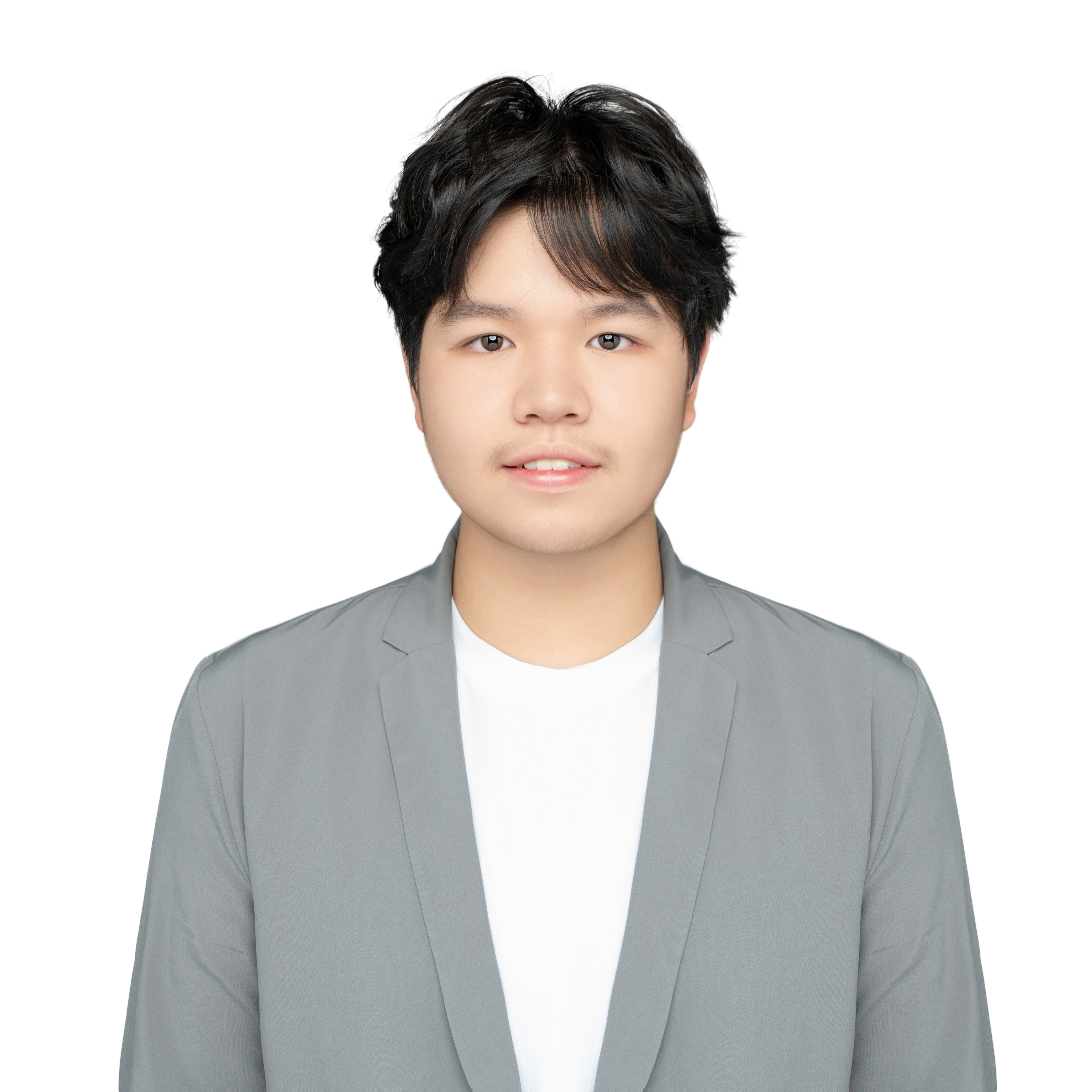
cv.tex- Main LaTeX file containing all CV content and formatting settingscv.pdf- Compiled PDF file (ready for download)profile.jpg- Personal ID photo (3cm width)citations.bib- BibTeX bibliography database (reserved for future publications)Makefile- Build script for automated PDF generationREADME.md- This document
Current CV Content
Personal Information
- Name: Linying Bai
- Role: Undergraduate, Zhejiang University, Automation
- Email: bailinying520@gmail.com
- Phone: (+86) 13675518456
- Website: https://vamperd.github.io
- GitHub: @Vamperd
CV Section Structure
- Summary - Introduction and Research Interests
- Third-year undergraduate at Zhejiang University, majoring in Automation
- Advisor: Prof. RongHao Zheng
- Research Interests: Legged Robot, Reinforcement Learning, Computer Vision
- Education - Academic Background
- Zhejiang University, Automation (2023-2027)
- Advisor: Prof. RongHao Zheng
- Major GPA: 4.78/5.0 (Top 2%); Overall GPA: 3.99/4.0
- Honors & Awards - Achievements
- First Prize, National University Robot Competition “RoboMaster Super Match - National Championship” (2024, 2025)
- First Prize, RoboMaster Super Match - Sentinel Robot Competition Award (2025)
- Provincial Government Scholarship (Top 5% Students) (2025)
- First Prize, Chinese University Dragon and Lion Dance Championship (2024, 2025)
- Research Experience
- Multi-Robot Coordination under Temporal Logic Constraints (June 2025 - Present)
- Research Intern @ HICAI-ZJU (June 2024 - Sep 2024)
- Projects
- RoboMaster Competition: Autonomous Sentry Robot Control Systems (Oct 2024 - Aug 2025)
- RoboMaster Competition: Vision-Based Guided Dart System (Aug 2025 - Present)
- HW-Components: Universal Robot Control Library (Oct 2024 - Present)
- Skills
- Programming: C/C++, Python, MATLAB
- Robotics Tools: ROS2, OpenCV, Isaac Gym, CMake, Git, Linux
- Control Theory: PID, LQR, MPC, EKF, Adaptive Control
- Machine Learning: PyTorch, Reinforcement Learning (PPO)
- Embedded Systems: STM32, Raspberry Pi
Features
Visual Design
- ✅ Blue Section Headings - Professional dark blue (RGB: 0, 102, 204)
- ✅ Personal Photo - Top right 3cm ID photo
- ✅ Clear Layout - Name left-aligned, contact info in two rows
- ✅ Icon Enhancement - Font Awesome icons for contact details
Content Organization
- ✅ Education & Honors First - Highlighted before research experience
- ✅ Project Links - Linked to detailed project pages on personal website
- ✅ Reverse Chronological - Most recent experiences first
Build PDF
Method 1: Using Make (Recommended)
Ensure make and a full LaTeX distribution (TeX Live or MiKTeX) are installed:
cd files/cv_EN
make          # Build cv.pdf
make clean    # Clean intermediate files (.aux, .log, .out etc.)
make distclean # Clean all files including PDF
Method 2: Using latexmk
cd files/cv_EN
latexmk -pdf cv.tex
Method 3: Manual Compilation
pdflatex cv.tex
# If using bibliography:
# biber cv
# pdflatex cv.tex
pdflatex cv.tex
Note:
- Intermediate files (.aux, .log, .bcf, .out, .run.xml, .synctex.gz) are ignored by
.gitignore - Commit
cv.tex,cv.pdf,profile.jpg,citations.bibto the repository
Online Editing (Optional)
If you don’t want to install LaTeX locally:
Overleaf
- Visit Overleaf
- Create a new project, upload all files (cv.tex, profile.jpg, citations.bib)
- Edit online and preview in real-time
- Download the compiled PDF
Update CV Content
Modifying Personal Info
Edit the header section in cv.tex (around lines 145-153):
\begin{tabularx}{\linewidth}{@{} X r @{}}
\Huge{Your Name} & \multirow{8}{*}{\includegraphics[width=3cm]{profile.jpg}} \\[3pt]
\normalsize{\textit{Role}} & \\
\normalsize{\textit{University, Major}} & \\[10pt]
\href{mailto:email@example.com}{...} \ $|$ \
\href{tel:+861234567890}{...} & \\[3pt]
\href{https://yourwebsite.com}{...} \ $|$ \
\href{https://github.com/yourusername}{...} & \\
\end{tabularx}
Modifying Sections
Summary:
\section{Summary}
I am currently...
Education:
\section{Education}
\begin{tabularx}{\linewidth}{@{}l X@{}}
2023 - 2027 & Major at \textbf{University} \\
& College \\
& Advisor: Name \\
\end{tabularx}
Research Experience:
\begin{joblong}{Title}{Date}
\item Description point 1
\item Description point 2
\end{joblong}
Projects:
\begin{tabularx}{\linewidth}{ @{}l r@{} }
\textbf{Project Name} & \hfill \href{link}{Date} \\[3.75pt]
\multicolumn{2}{@{}X@{}}{Description...}  \\
\end{tabularx}
Changing Photo
- Name the new photo
profile.jpg(or update filename in cv.tex) - Recommended size: ID photo aspect ratio, width will be auto-adjusted to 3cm
- Recompile after replacing the file
Adjusting Colors
To change the blue section headers (around line 81):
% Change to other colors
\definecolor{sectioncolor}{RGB}{0, 102, 204}  % Current Blue
% \definecolor{sectioncolor}{RGB}{0, 128, 0}  % Green
% \definecolor{sectioncolor}{RGB}{139, 0, 0}  % Dark Red
Website Integration
Current Configuration
The CV PDF is accessible via:
- Sidebar Download Link - “Download CV” at the bottom of the left sidebar
- File location:
_includes/author-profile.html - Links to:
/files/cv_EN/cv.pdf
- File location:
- Direct URL
- https://vamperd.github.io/files/cv_EN/cv.pdf
Update Workflow
After modifying the CV:
- Edit
cv.tex - Compile new
cv.pdf:make - Check PDF content
- Commit to Git:
git add cv.tex cv.pdf git commit -m "Update CV" git push - Wait for GitHub Pages deployment
- Verify on website
Technical Details
LaTeX Dependencies
tabularx- Flexible table layoutmultirow- Multi-row cells (for photo)fontawesome5- Icon fontsxcolor- Color supporttitlesec- Custom section formattinghyperref- Hyperlinksgraphicx- Image insertionbiblatex- Bibliography management (optional)
Layout Settings
- Paper: A4
- Font Size: 12pt
- Margins: 0.9 scale via
geometrypackage - Section Headers: Large font, blue, underlined
Maintainer
Linying Bai
- Email: bailinying520@gmail.com
- GitHub: @Vamperd
- Website: vamperd.github.io
Last updated: October 2025